
Building a smart home for an aging parent isn’t about buying gadgets; it’s about architecting a cohesive “digital safety net” that is reliable, secure, and genuinely supportive.
- Prioritize resilient internet connectivity as a foundational utility, complete with backups.
- Design the system with privacy as a core requirement, not an afterthought, by securing all devices and networks.
- Start with high-impact safety solutions like automated lighting and temperature control before expanding.
Recommendation: Begin with a single, manageable project like voice-activated lighting to demonstrate clear benefits and build confidence in the technology for both you and your parent.
For families aiming to support a parent’s desire to age in place, the promise of smart home technology is immense. Yet, the common approach—accumulating a collection of disparate smart speakers, cameras, and plugs—often leads to a fragmented, unreliable, and ultimately frustrating experience. The market is saturated with lists of “top gadgets for seniors,” but these guides frequently miss the most critical element: the strategy. A smart home is not a product you buy; it’s an ecosystem you design.
The true potential of this technology is unlocked not by focusing on individual devices, but by architecting a cohesive and resilient digital safety net. This shift in perspective moves the conversation from “what should I buy?” to “how should I build?” It requires thinking like a systems architect, prioritizing foundational elements like robust internet connectivity and uncompromising security before even considering a specific brand of smart lightbulb. The goal is to create an environment that anticipates needs, prevents accidents, and provides peace of mind without becoming a technological burden.
But what if the key to a successful senior-safe smart home wasn’t the number of features, but the system’s underlying resilience and simplicity? This guide takes a gerontechnologist’s pragmatic approach. We will deconstruct the process of building this ecosystem from scratch, focusing on the core principles that ensure the system works for, not against, its user. We’ll explore how to establish a rock-solid foundation, implement high-impact safety features, navigate the crucial trade-offs between cost and complexity, and know when professional support is necessary to maintain this vital digital lifeline.
This article provides a structured roadmap for families. Below is a summary of the key architectural layers we will explore, from establishing foundational connectivity to implementing advanced automated safety protocols.
Summary: Architecting the Senior-Safe Smart Home
- Why Internet Connectivity Is Now a Utility Like Water for Seniors?
- How to Set Up Voice Commands for Lights to Prevent Falls?
- The Risk of Data Leaks: Securing Cameras and Microphones
- Smart Plugs vs Full Hubs: Which Setup Is More Cost-Effective?
- When to Hire a “Tech Concierge” for Ongoing Maintenance?
- How to Install Motion-Sensor Night Lights to Prevent Bathroom Falls?
- GPS vs Wi-Fi: Which Locator Works Best in Rural Areas?
- How to Automate Home Temperature Control to Prevent Hypothermia?
Why Internet Connectivity Is Now a Utility Like Water for Seniors?
Before a single smart device is unboxed, the true foundation of a senior-safe smart home must be laid: resilient internet connectivity. In the modern era of aging in place, Wi-Fi is no longer a luxury for entertainment; it is a critical utility, as essential as electricity or running water. The desire for independence is strong; AARP’s 2024 Home and Community Preferences Survey found that 75% of adults aged 50 and older wish to remain in their current homes as they age. This independence is increasingly powered by digital services that rely on a stable internet connection.
The entire digital safety net—from telehealth appointments that connect a parent with their specialists to remote monitoring devices that track vital signs in real-time—hinges on this connectivity. A dropped connection during a virtual doctor’s visit or a failed data transmission from a glucose monitor is not a minor inconvenience; it is a critical failure in the support system. Furthermore, these connections are the conduit for social interaction, enabling video calls with family and friends that are vital for combating loneliness and isolation. The system must be robust enough to handle the data load from multiple chronic condition management tools, as nearly 79% of adults over 65 live with two or more such conditions.
Therefore, architecting for system resilience is paramount. This means going beyond simply choosing an internet provider. It involves planning for failure. A crucial best practice is setting up a backup cellular hotspot (using 4G or 5G technology) that automatically takes over if the primary home internet service fails. This ensures that the most critical devices, such as fall detection monitors or emergency alert systems, remain online and operational at all times. Treating connectivity with this level of seriousness is the first and most important step in building a smart home that is truly safe.
How to Set Up Voice Commands for Lights to Prevent Falls?
One of the most immediate and high-impact safety improvements in a senior-safe smart home is the implementation of voice-controlled lighting. The simple act of navigating a dark room to find a light switch is a significant fall risk, especially for nighttime trips to the bathroom. By removing the need for physical interaction, voice commands create a safer, more intuitive environment. This isn’t futuristic fantasy; it’s a pragmatic safety measure that can be implemented effectively with today’s technology.
The core of this system is a smart speaker (like Amazon Echo or Google Nest) paired with smart bulbs or smart light switches. The setup allows a senior to simply say, “Turn on the bedroom light,” without ever having to get out of bed or fumble in the dark. This principle of environmental intelligence—where the home responds to natural language—is key to user adoption. Carol Ginsberg, a 79-year-old technology early adopter, provides a powerful example. According to an article on smart home use for seniors, she installed smart speakers in every room, using voice commands to control lighting throughout her home and significantly reducing her fall risk during nighttime navigation.
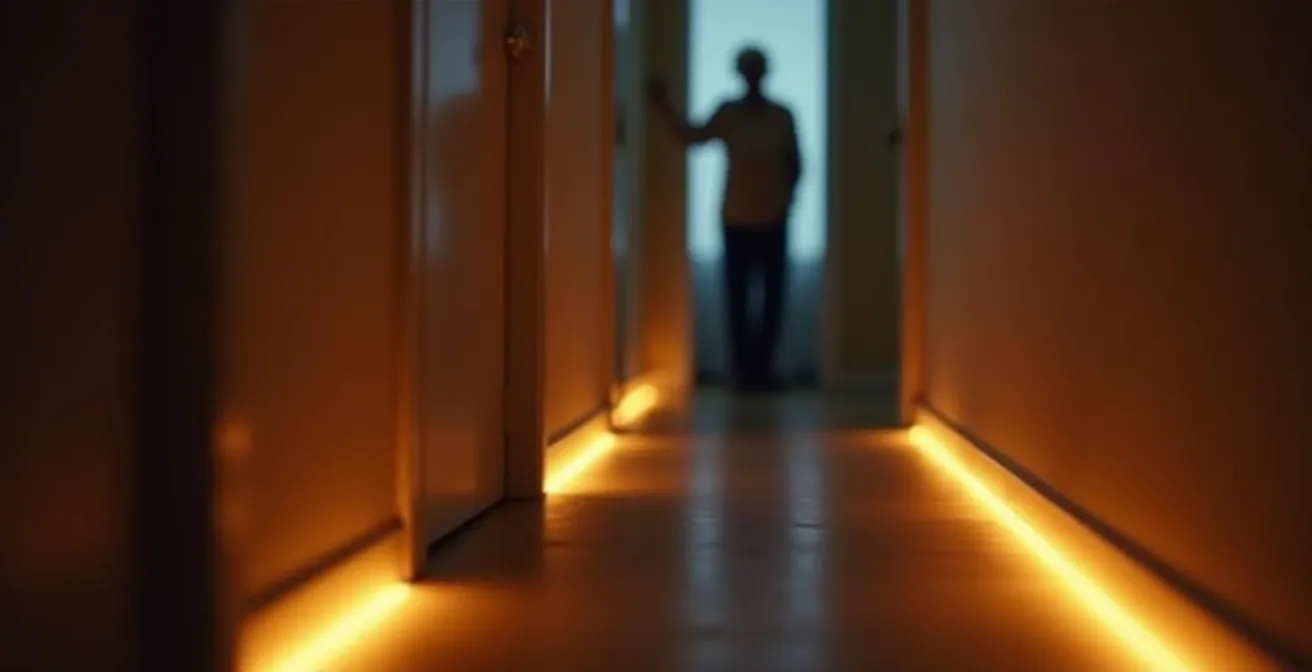
As this image illustrates, the goal is to create safe, illuminated pathways. For maximum effectiveness, the setup should be strategic. Start by replacing bulbs in key areas: the bedroom, the hallway leading to the bathroom, and the bathroom itself. Program simple, memorable commands. Instead of a complex “Set scene to nighttime,” a simple “Lights on” is far more practical. This small investment in time and technology yields a disproportionately large return in safety and peace of mind, making it an ideal first project for any family retrofitting a parent’s home.
The Risk of Data Leaks: Securing Cameras and Microphones
As we build this digital safety net, we introduce devices with cameras and microphones into the most private of spaces. This brings undeniable benefits for remote monitoring and communication, but it also opens a potential Pandora’s box of privacy and security risks. Addressing these risks head-on is not optional; it is a foundational pillar of a responsibly designed senior-safe smart home. Indeed, research from the AgeTech Collaborative reveals that privacy and security concerns are among the top barriers preventing wider adoption of this technology by older adults.
The core principle must be privacy by design. This means security is not an afterthought but is woven into the fabric of the system from its inception. The first line of defense is the Wi-Fi network itself. All smart home devices should be placed on a separate “guest” network. This isolates them from primary computers and smartphones that contain sensitive financial and personal information. If a smart camera were to be compromised by a hacker, this network segmentation would prevent the attacker from gaining access to a laptop with banking details.
Device-level security is just as crucial. For cameras, the rule is simple: install them only in common areas like the living room or kitchen, and never in private spaces like bedrooms or bathrooms. Opt for cameras that feature a physical lens cover, providing a clear, tangible way for your parent to ensure privacy. For smart speakers, it’s vital to understand that they are always listening for a “wake word.” You and your parent should know how to review and delete voice command history through the device’s companion app, ensuring control over what personal data is stored in the cloud. Building trust in the system starts with providing transparent and robust control over its most sensitive components.
Smart Plugs vs Full Hubs: Which Setup Is More Cost-Effective?
Once the foundation of connectivity and security is in place, you face a key architectural decision: should you build the system using simple smart plugs or invest in a dedicated smart home hub? This choice has significant implications for cost, complexity, and future scalability. There is no single right answer; the optimal path depends entirely on the specific needs and goals for your parent’s home. A recent Healthy Aging Poll survey found that while 49% of older adults report having at least one smart home device, the complexity of these setups varies widely.
Smart plugs are the entry point. They are inexpensive, easy to set up, and perfect for making “dumb” devices—like a lamp, a fan, or a coffee maker—smart. If your goal is to control just a handful of devices with simple on/off schedules or voice commands, a smart plug-based system is incredibly cost-effective. However, this approach has limitations. It relies entirely on your Wi-Fi network, and the number of devices you can reliably connect is typically limited.
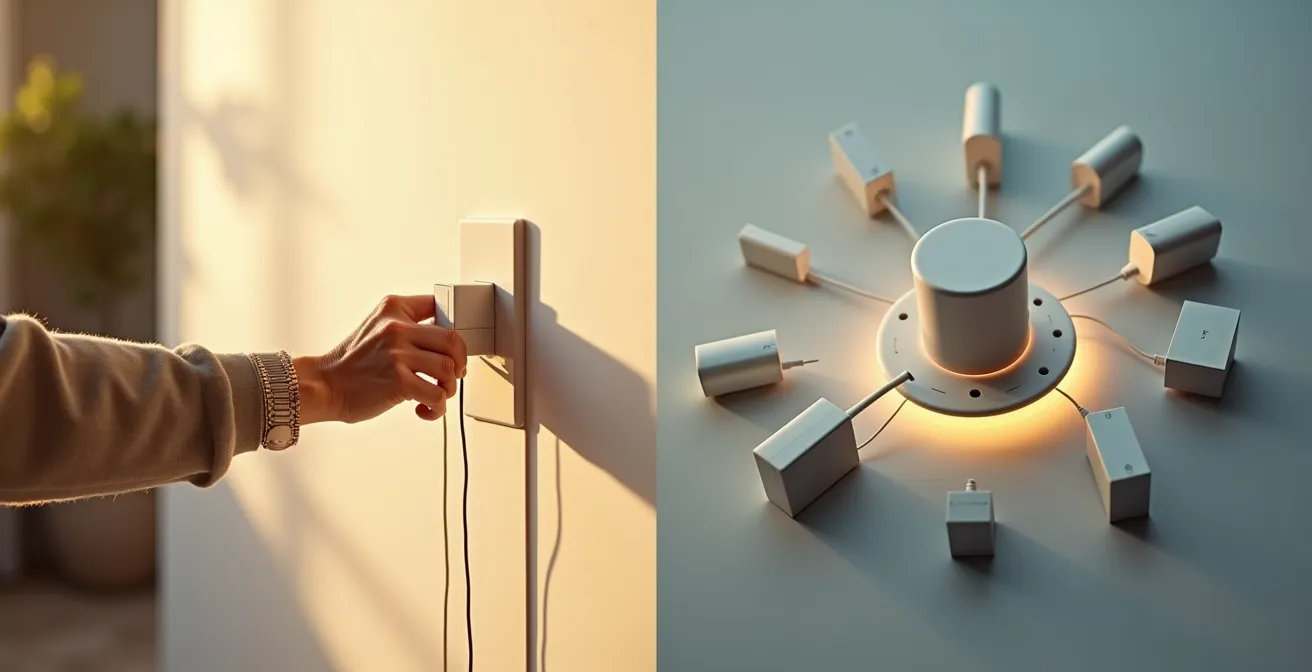
A full hub system, on the other hand, acts as the central brain of your smart home. It can coordinate dozens or even hundreds of devices, allowing for complex automation routines (e.g., “If the front door opens after 10 PM, turn on the entryway lights and send a notification”). Hubs often use protocols like Zigbee or Z-Wave, which create their own mesh network, reducing the load on your Wi-Fi. Some hubs can even operate locally, meaning basic automations will still work if the internet goes down—a key feature for system resilience. The initial cost and setup complexity are higher, but a hub provides a scalable and powerful platform for a truly integrated smart home.
The following table breaks down the core trade-offs to help you make an informed decision based on your specific requirements.
| Feature | Smart Plugs Only | Full Hub System |
|---|---|---|
| Initial Cost | $15-30 per plug | $100-300 for hub + devices |
| Setup Complexity | Simple (5-10 min per device) | Complex (2-4 hours total) |
| Internet Dependency | Required for all functions | Local control possible |
| Device Limit | 10-15 devices typically | 50-100+ devices |
| Automation Capabilities | Basic schedules only | Complex if-then scenarios |
| Best For | 1-5 devices, simple needs | 10+ devices, advanced automation |
When to Hire a “Tech Concierge” for Ongoing Maintenance?
A smart home is not a “set it and forget it” system. Devices need software updates, automations can fail, and new needs may arise. While a tech-savvy family member can often handle initial setup and minor troubleshooting, there comes a point where the complexity and criticality of the system demand professional oversight. This is where the concept of a “Tech Concierge”—a professional service dedicated to managing and maintaining a senior’s smart home ecosystem—becomes invaluable.
Hiring a tech concierge isn’t a sign of failure; it’s a strategic decision to ensure the long-term reliability of the digital safety net. For caregivers who live far away or lack the time and technical expertise to manage a growing system, it provides essential peace of mind. These services handle everything from routine software updates and security patches to troubleshooting device failures and reconfiguring automations as a parent’s needs change. They ensure the system remains a supportive tool rather than a source of stress. The value of this support is highlighted by features available in modern smart systems, as noted by the A Place for Mom Editorial Team:
Remote Assist allows caregivers to set reminders, add contacts, manage grocery lists directly, and adjust the settings of a loved one’s Echo device… ensuring seniors can live independently while staying safe
– A Place for Mom Editorial Team, A Place for Mom Senior Care Resources
But when is the right time to make this investment? Several clear trigger points indicate that professional help is warranted. The decision should be based on a pragmatic assessment of the system’s complexity, the caregiver’s capacity, and the senior’s own ability to interact with the technology.
Action Plan: Key Triggers for Hiring a Tech Concierge
- System Scale: Your smart home system grows to exceed 15 connected devices, increasing management complexity.
- Caregiver Proximity: The primary caregiver lives more than a one-hour drive away, making in-person troubleshooting difficult.
- Troubleshooting Frequency: Technical support or troubleshooting is required more than once per month.
- User’s Cognitive Needs: The senior has cognitive challenges that affect their ability to operate devices consistently.
- Medical Integration: You need to integrate specialized medical monitoring devices with the home automation system.
How to Install Motion-Sensor Night Lights to Prevent Bathroom Falls?
Beyond voice commands, automated lighting powered by motion sensors offers another powerful, passive layer of fall prevention. The goal is to illuminate a clear path from the bed to the bathroom automatically the moment a senior gets up at night. This “environmental intelligence” operates without any required input, making it a seamless and highly effective safety feature. The key is a gentle, ambient light that guides without startling or disrupting sleep patterns.
The most effective solutions often involve low-profile, battery-powered LED strips or puck lights. These can be installed along baseboards, under the bed frame, or on the lower part of the wall. The light should be directed downwards to illuminate the floor, creating a “runway” effect rather than shining into the user’s eyes. Critically, the color temperature of the light matters. Harsh blue or white light can suppress melatonin production and make it harder to fall back asleep. Opt for lights in the warm amber or red spectrum, which are far less disruptive to the body’s natural sleep cycle.
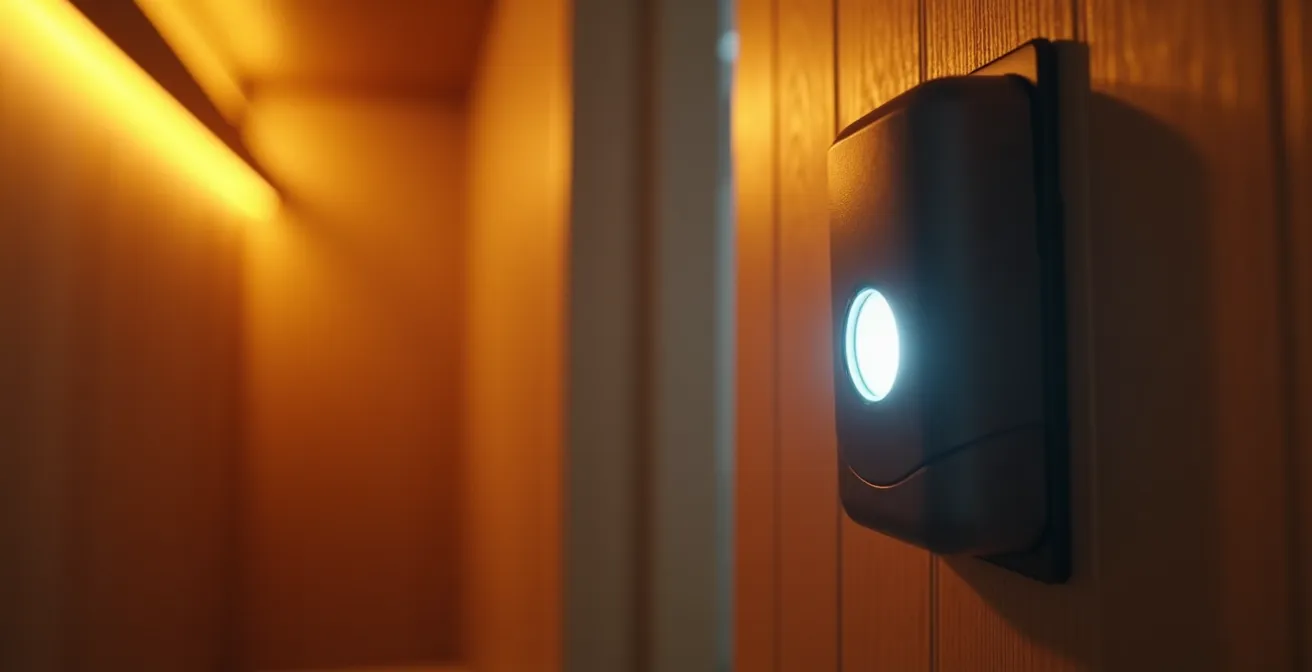
Installation is typically straightforward. Most modern motion-sensor lights use adhesive backing, requiring no tools. Placement is key: one sensor should be placed near the floor by the side of the bed to detect when feet touch the ground, and another should be placed near the bathroom entrance. You can also place one inside the bathroom itself, perhaps under the vanity, to provide safe illumination without the need to flip a bright overhead switch.
Case Study: The “Runway” Lighting Solution
A senior living facility in Florida implemented a system of motion-activated LED strips along the baseboards from bedrooms to bathrooms. They specifically used warm amber lights that do not disrupt melatonin production. This simple, low-cost modification created illuminated “runways” for residents during the night. The result was a significantly reduced number of nighttime fall incidents. The system was further enhanced by pairing it with smart motion sensors in the bathrooms, which could alert caregivers if no movement was detected after a prolonged period, potentially indicating a fall.
GPS vs Wi-Fi: Which Locator Works Best in Rural Areas?
The digital safety net should not end at the front door. For active seniors who drive, walk, or may be prone to wandering, personal location trackers provide a vital layer of security. However, choosing the right technology is critical, especially outside of dense urban centers. The two primary technologies, GPS and Wi-Fi/Bluetooth, have distinct strengths and weaknesses that are magnified in rural environments. The fundamental challenge in these areas is often a lack of consistent connectivity; as AARP research shows, 22% of rural households still lack high-speed internet access, a factor that heavily influences the choice of tracking technology.
GPS (Global Positioning System) trackers are the go-to for outdoor, long-range tracking. These devices communicate with satellites to pinpoint their location and then use a cellular connection (like a mobile phone) to transmit that data to a caregiver’s app. Their effectiveness in rural areas is directly tied to the availability of a cellular signal. In areas with at least some cell coverage, they are superior for tracking a person who is driving or walking in the community. The main drawbacks are higher monthly subscription costs for the cellular service and a battery life that typically requires recharging every few days.
Wi-Fi or Bluetooth-based locators (like Tile or Chipolo) are designed for short-range, in-home use. They are perfect for finding misplaced items like keys or a remote control within the confines of the house. They are inexpensive, have a long battery life, and carry no monthly fees. However, they are completely ineffective for tracking a person once they leave the range of the home Wi-Fi or their smartphone’s Bluetooth, making them unsuitable for wandering prevention in any environment, especially sparsely populated rural areas. The following table clarifies the best use case for each technology.
| Feature | GPS Trackers | Wi-Fi/Bluetooth Locators | Community Networks (AirTags) |
|---|---|---|---|
| Coverage Area | Unlimited outdoors | 100-300 feet from router | Depends on iPhone density |
| Rural Effectiveness | Good with cell coverage | Limited to home only | Poor in sparse areas |
| Battery Life | 2-7 days (rechargeable) | 6-12 months (coin battery) | 1 year+ (replaceable) |
| Monthly Cost | $20-50/month | $0 (one-time purchase) | $0 (after device purchase) |
| Best Use Case | Wandering/driving seniors | Finding items at home | Semi-rural with neighbors |
Key Takeaways
- A senior-safe smart home is an integrated “ecosystem,” not just a collection of devices. Success depends on strategic architecture.
- System resilience is paramount. This means prioritizing stable internet with cellular backup and choosing devices that can function during an outage.
- Privacy is non-negotiable. Isolate smart devices on a guest network and use physical covers for cameras to build trust and ensure security.
How to Automate Home Temperature Control to Prevent Hypothermia?
A final, critical component of a proactive digital safety net is automated temperature regulation. Older adults are more susceptible to both hypothermia and heat-related illnesses, as their bodies are less able to regulate temperature and adapt to environmental changes. A smart thermostat, when properly configured, transforms from a convenience gadget into a life-saving monitoring system, providing proactive environmental control that requires no input from the senior.
A basic smart thermostat allows for remote adjustments via a smartphone app, which is already a significant improvement. A family member can check the home’s temperature and adjust it from anywhere. However, the real power lies in advanced automation and sensor integration. By placing small, wireless remote temperature sensors in key areas—such as the bedroom and a favorite sitting area—the thermostat can make heating and cooling decisions based on where your parent actually spends their time, not just where the thermostat is mounted on the wall.
The most important feature for safety is setting up automated temperature alerts. The system can be configured to send an immediate notification to a caregiver’s phone if the home’s temperature drops below a pre-set safety threshold (e.g., 65°F / 18°C) or rises above another (e.g., 78°F / 25°C). This allows for immediate intervention. For added resilience, a heavy-duty smart plug can be connected to a safe, modern space heater, allowing a caregiver to remotely activate a backup heat source if the primary furnace fails. By creating seasonal schedules and safety alerts, the home itself takes on the responsibility of maintaining a safe thermal environment, reducing worry and enhancing safety around the clock.
The ultimate goal of this ecosystem is to create a home that is not just “smart,” but wise—an environment that subtly and reliably supports independence. The next logical step is to begin implementing these principles, starting with a single, high-impact project to build confidence and demonstrate the profound value of a well-architected digital safety net.
Frequently Asked Questions on Senior-Safe Smart Homes
How can I ensure my smart cameras respect privacy?
Install cameras only in common areas, never in bedrooms or bathrooms. Use devices with physical lens covers that can be manually closed when privacy is needed.
What’s a guest network and why do I need one?
A guest network is a separate Wi-Fi connection that isolates smart devices from your main computers and phones, preventing hackers from accessing personal data if a device is compromised.
How do I delete my voice command history?
In the Alexa app, go to Settings > Alexa Privacy > Review Voice History to delete recordings. For Google, visit myactivity.google.com to manage and auto-delete voice data.